
Cookcademy · Web app · 2026
A cooking app from the plan to the plate
My own product: recipes, a weekly plan, the pantry, a shopping list and step-by-step cooking in one app. I designed and built it myself, for laptop and phone.

What it is
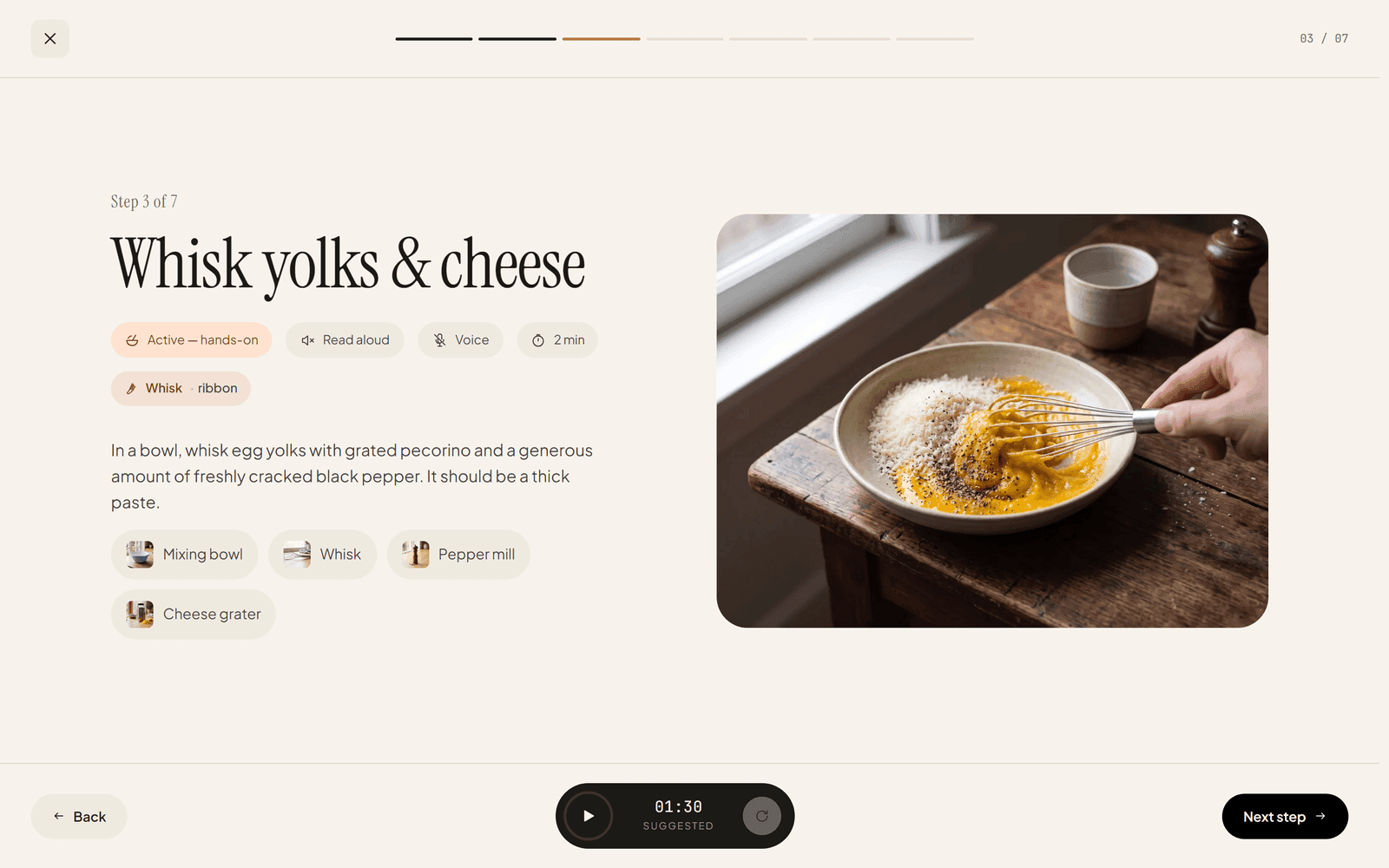
Cookcademy is a web app for everyday cooking. It brings together what people usually keep across several apps and a note on the fridge: recipes, the plan for the week, what is in the cupboard, the shopping list and the cooking itself.
The recipe sits at the centre. Portions rescale with one tap, every ingredient shows how much of it you already have, and the method is broken into steps with time, technique and equipment. I designed and built all of it myself – from the data model to the last icon.
Cooking step by step
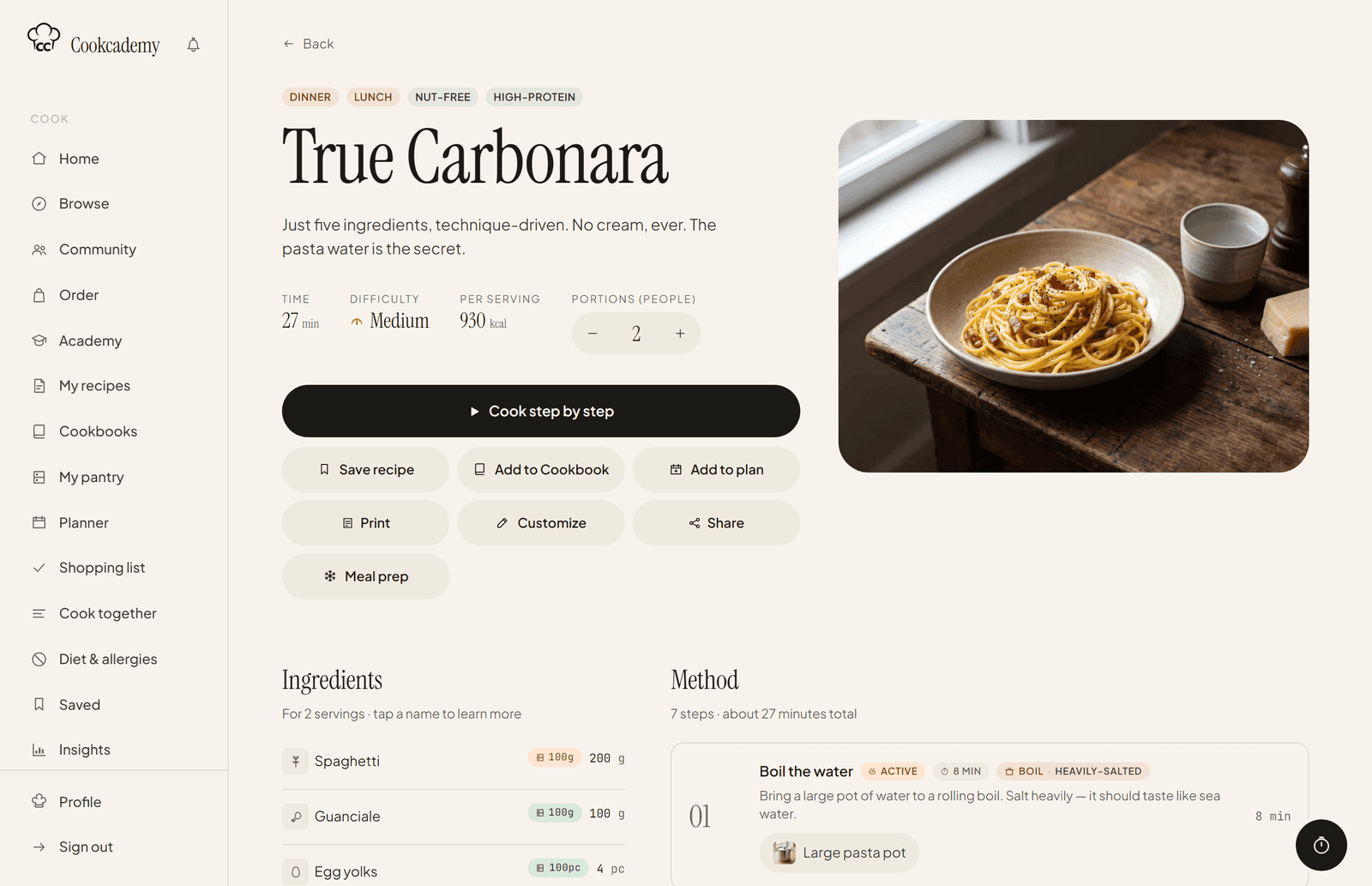
Nobody wants to scroll at the stove. Cook mode puts one step on the whole screen: what to do, which ingredients to have ready, what equipment to grab and how long it should take. Each step comes with its own timer, the big buttons work with wet hands, and any step can be read out loud.

The week ahead
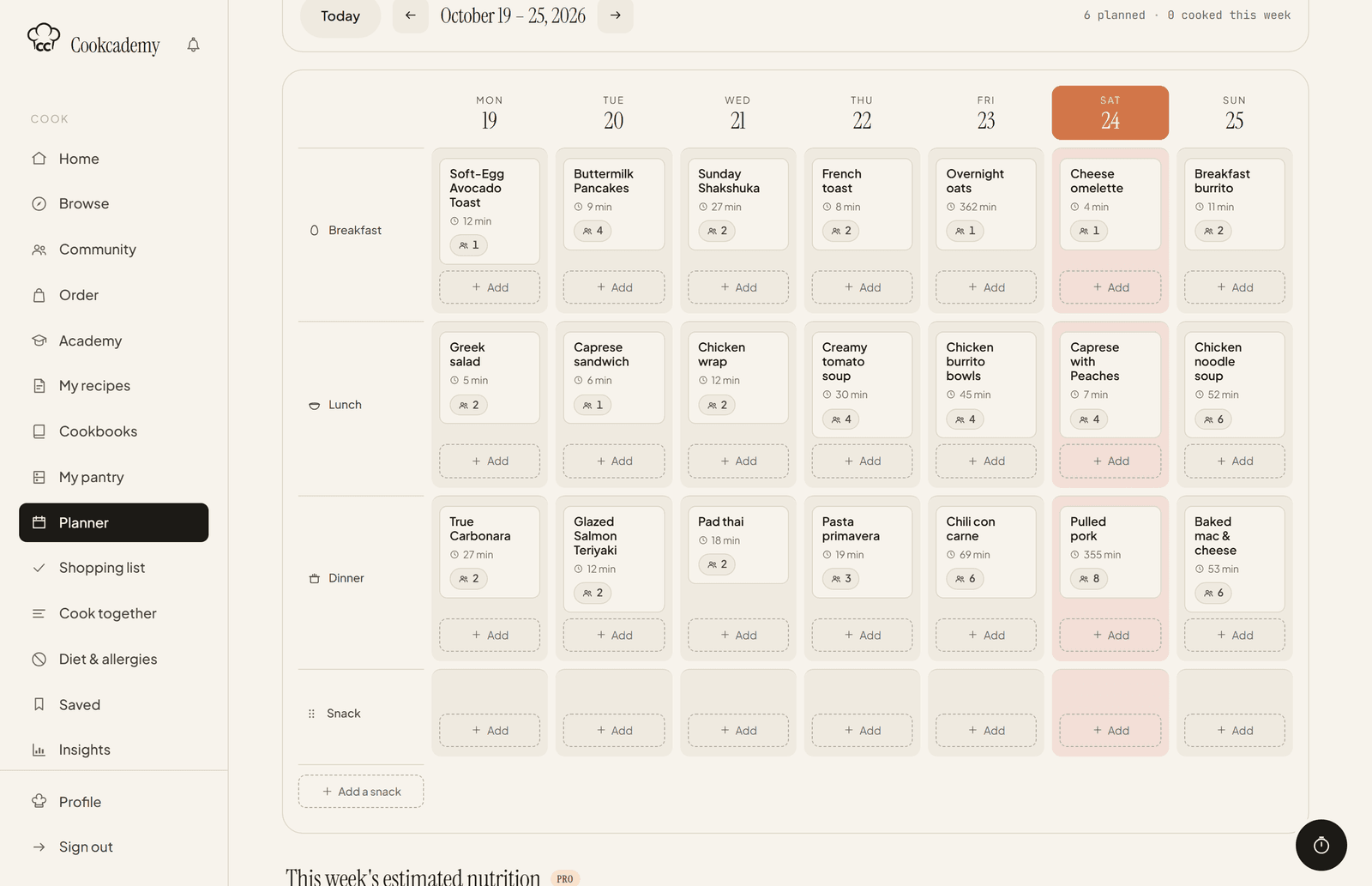
The planner is a whole week in one grid – breakfast, lunch, dinner and a snack, each meal with its number of portions. Meals drag to another day, and the whole week turns into a shopping list on its own.
From what is at home
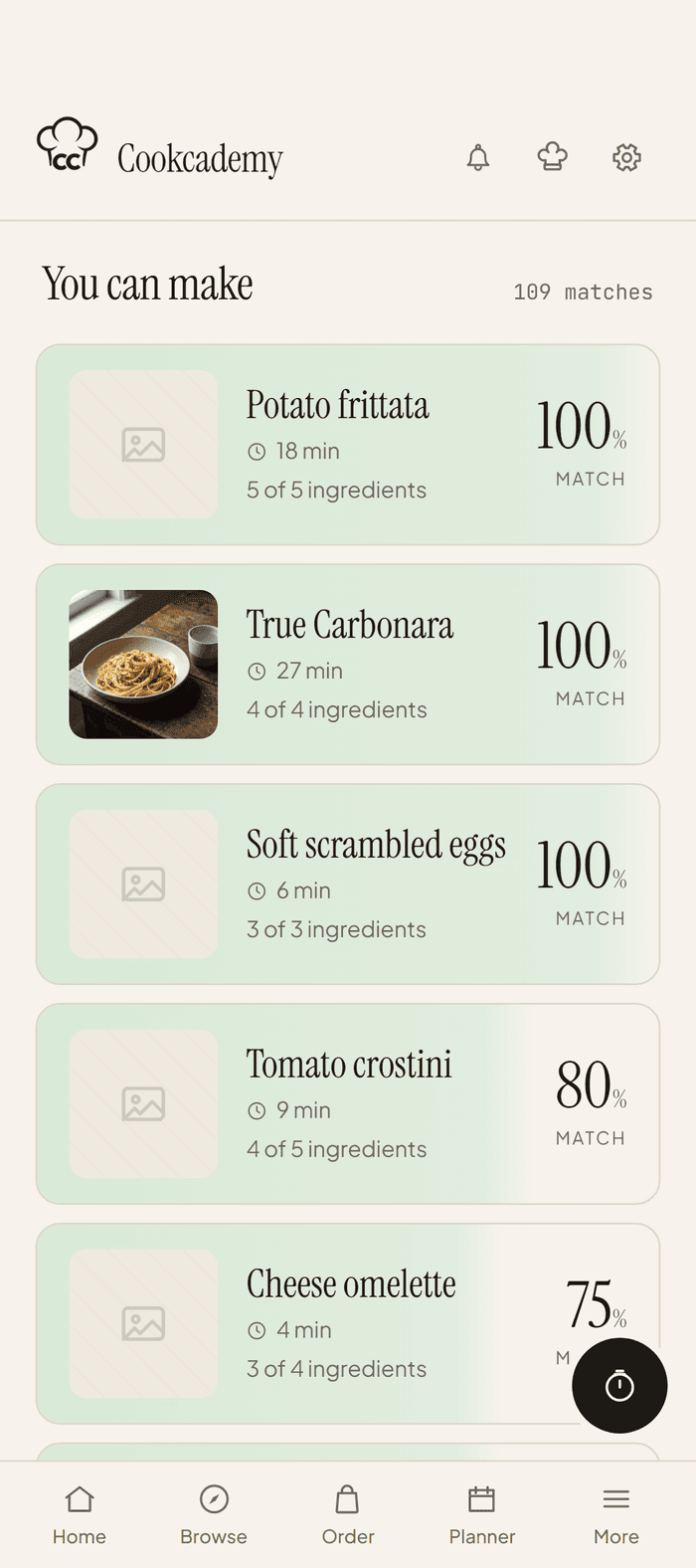
The pantry is a list of ingredients with quantities, use-by dates and prices. The app works out two things from it: what a recipe costs and what you can cook right now. Recipes are ranked by match – carbonara at 100% means no trip to the shop.
Several dishes at once
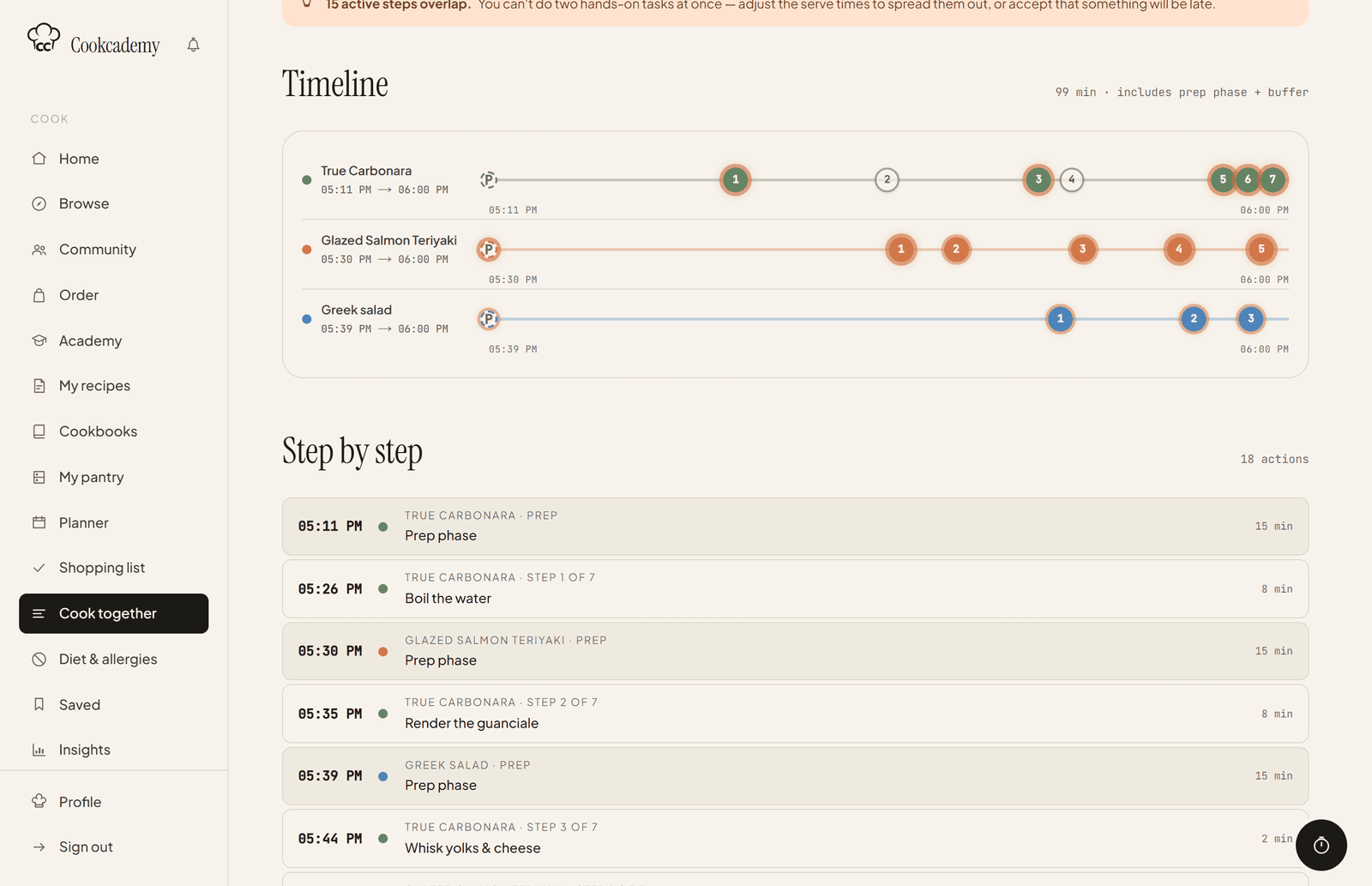
Cooking three dishes for one dinner is mostly a timing problem. The orchestrator takes the recipes and the time the food should be on the table, then works backwards into a single timeline – prep and a small buffer between steps included. When two hands-on steps overlap, it tells you up front, not halfway through.
On the phone
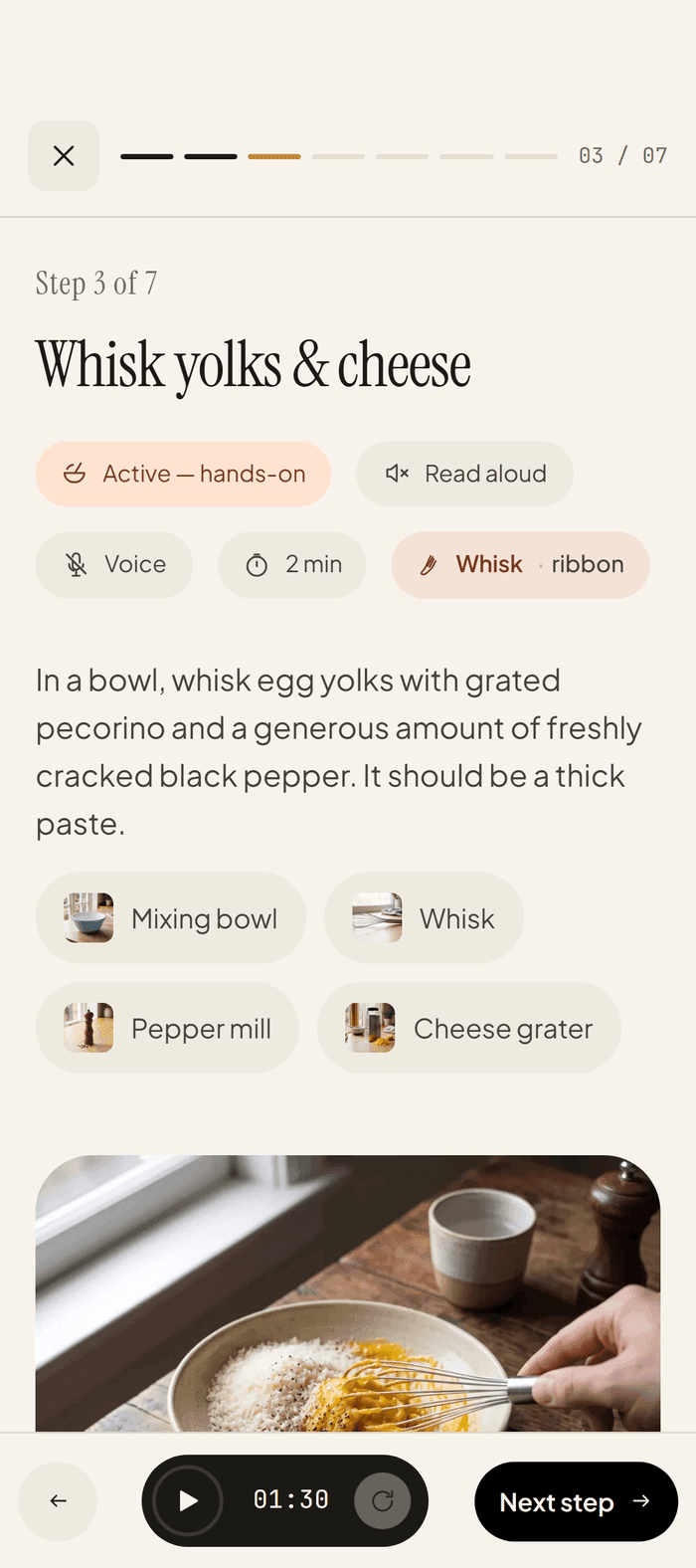
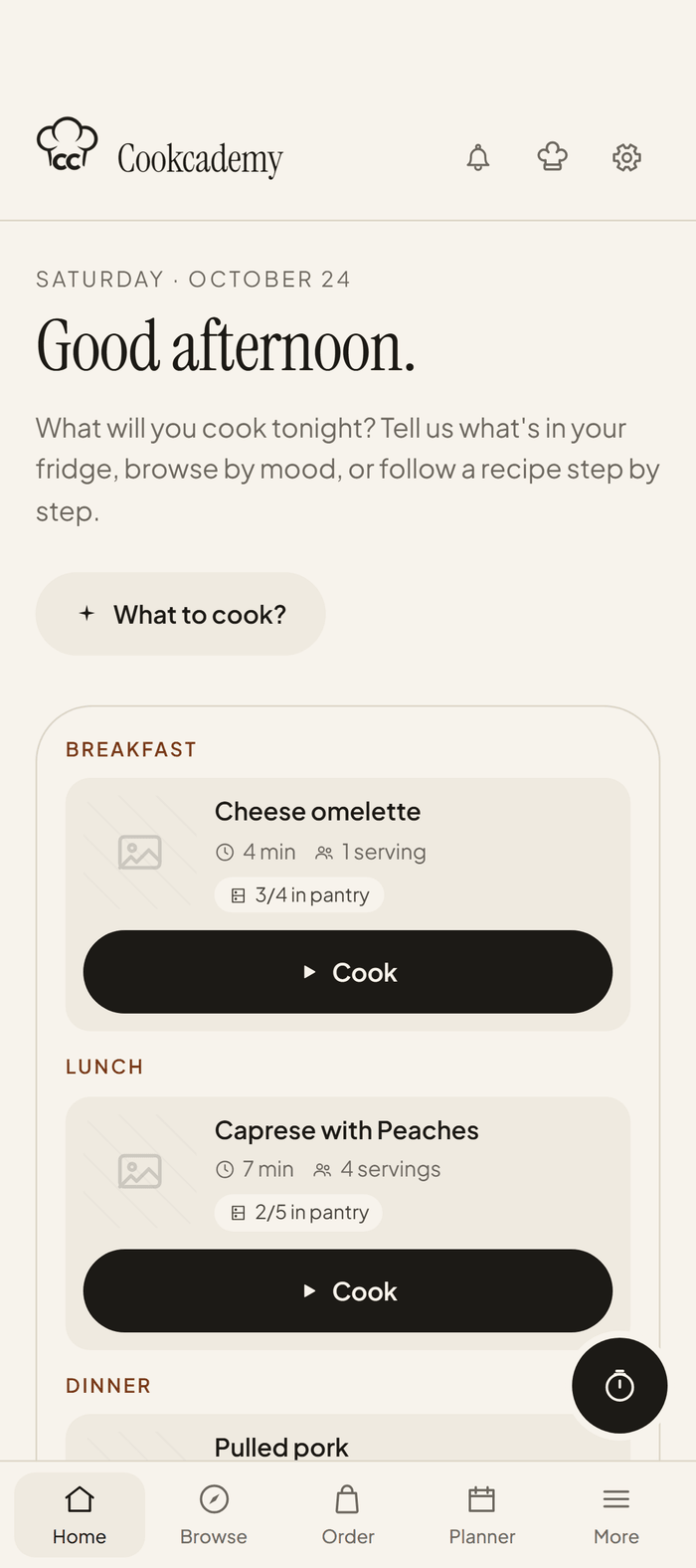
The mobile version is not a shrunken desktop. The sidebar becomes a bar under your thumb, the planner grid becomes a list of days, and the home screen shows only today: what is planned, how much of it is already in the pantry, and a button to start cooking.
Under the hood
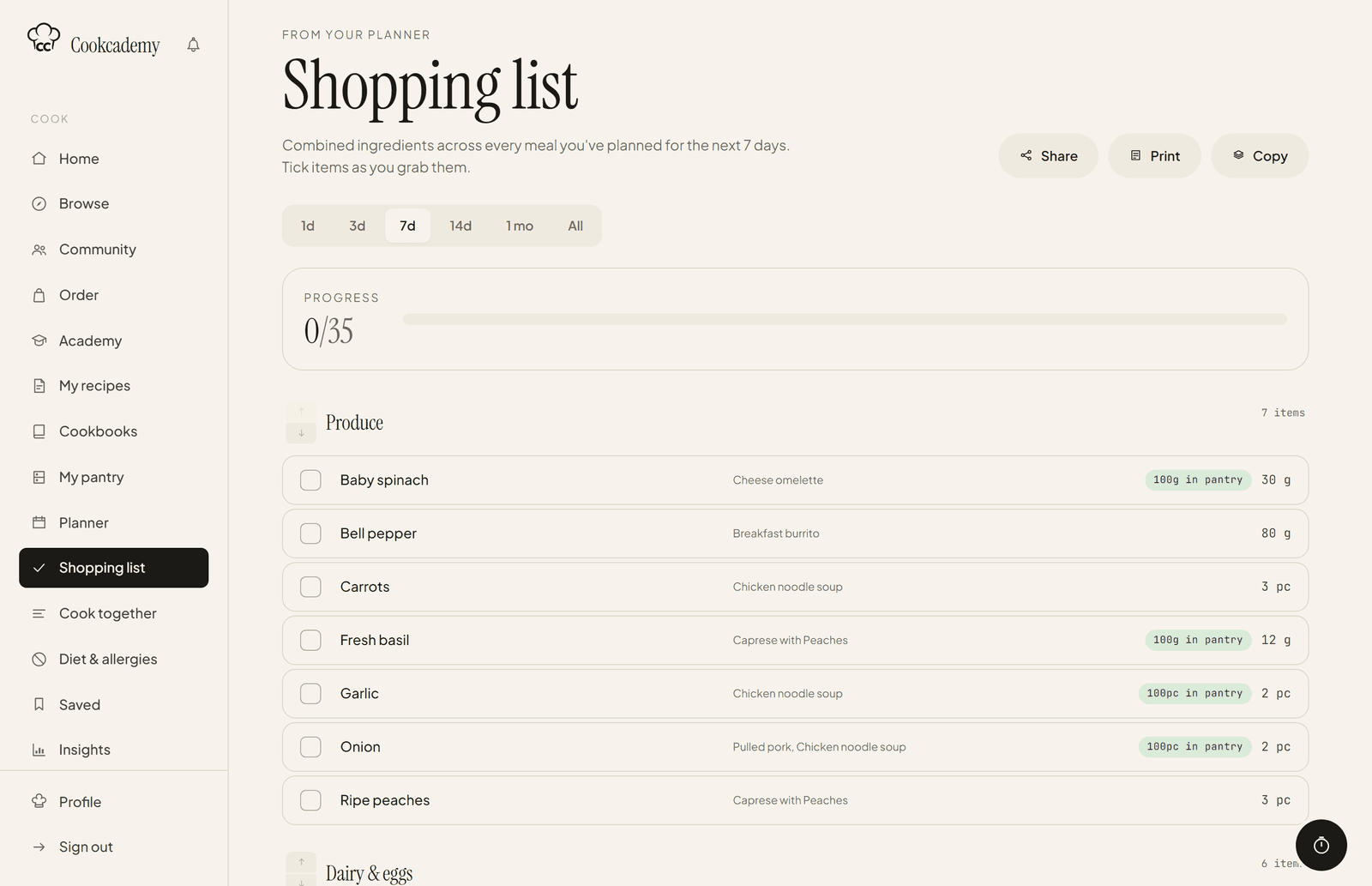
The shopping list shows what goes on underneath. It adds up the ingredients for the whole week, sorts them by supermarket aisle, and notes which meal each one is for and how much is already at home. Accounts and data live in Supabase, so the list is the same on the phone and the laptop; the app runs on Next.js and Vercel, and analytics use no cookies and only run with consent. Beyond what is shown here there are community recipes, cookbooks, an academy with courses, an allergen filter and four plans.
133
recipes in the library
17
sections in the app
4
plans from Free to Family